 アドオン
アドオン

Pywalfox 2.0.11
作者: Fredrik Engstrand, johannikur
Dynamic theming of Thunderbird using your Pywal colors.
https://github.com/Frewacom/pywalfox
このアドオンについて
This add-on requires a separate script on your computer to work properly.
An installation guide is available here: https://github.com/frewacom/pywalfox.
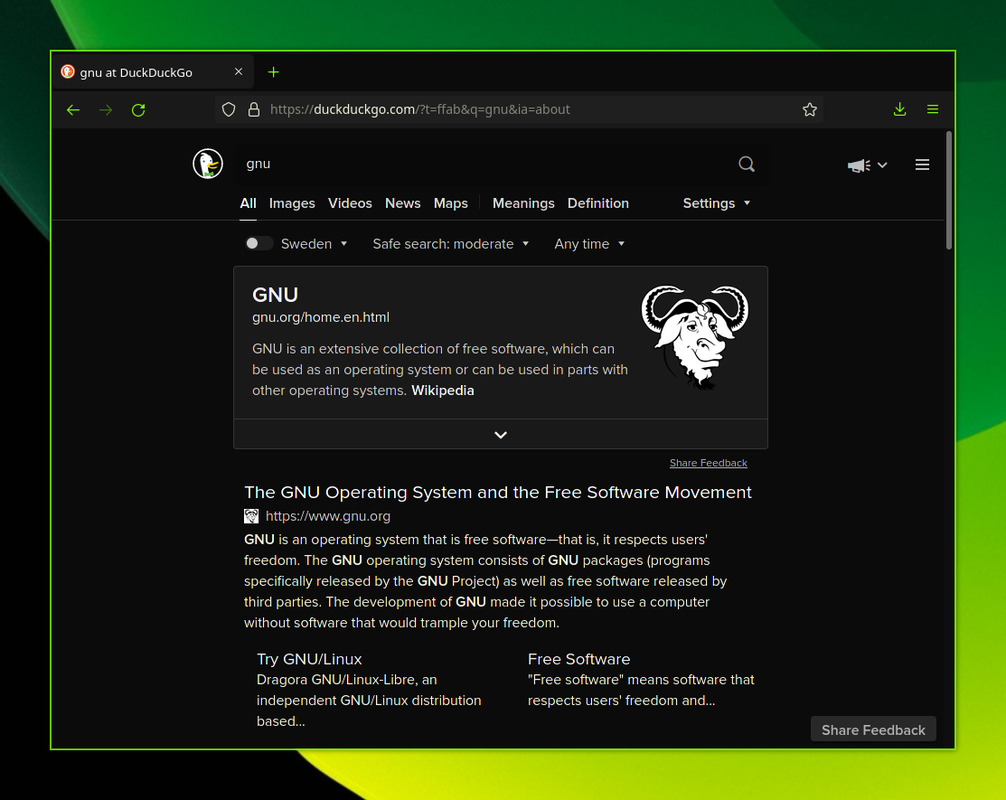
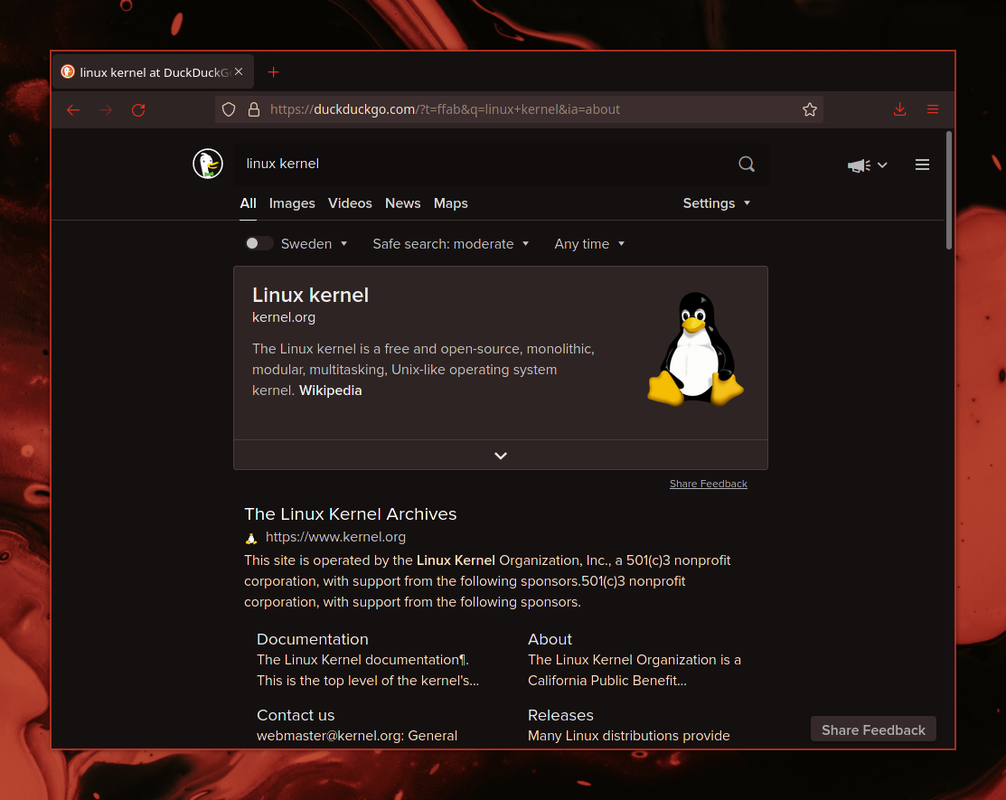
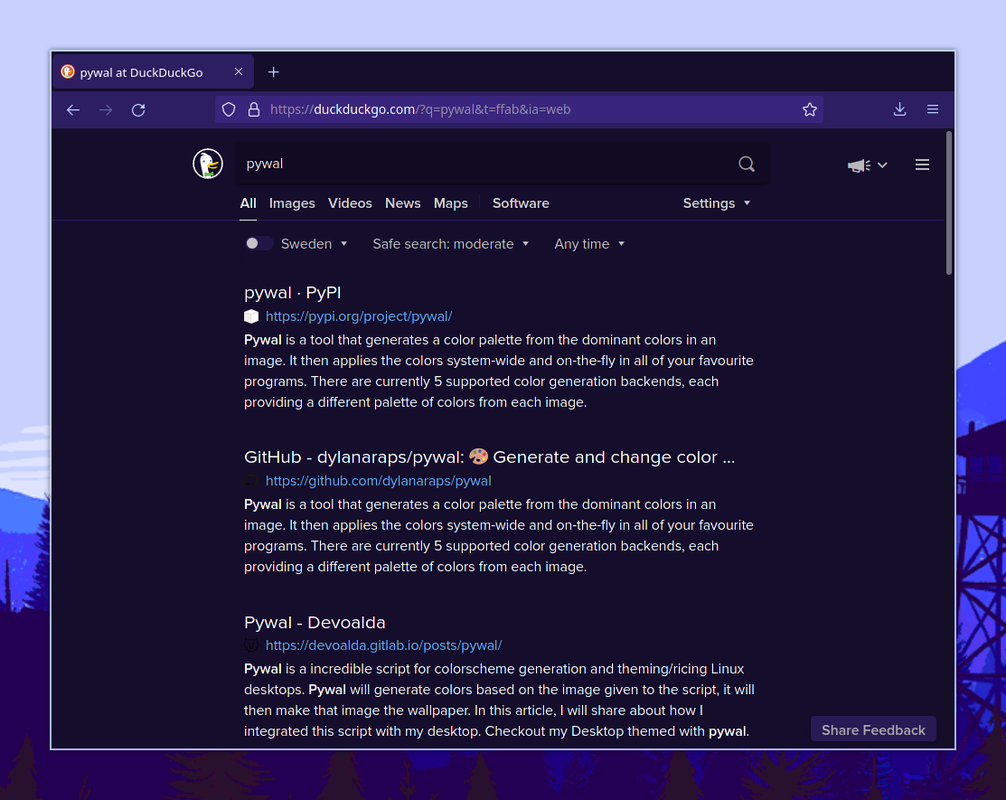
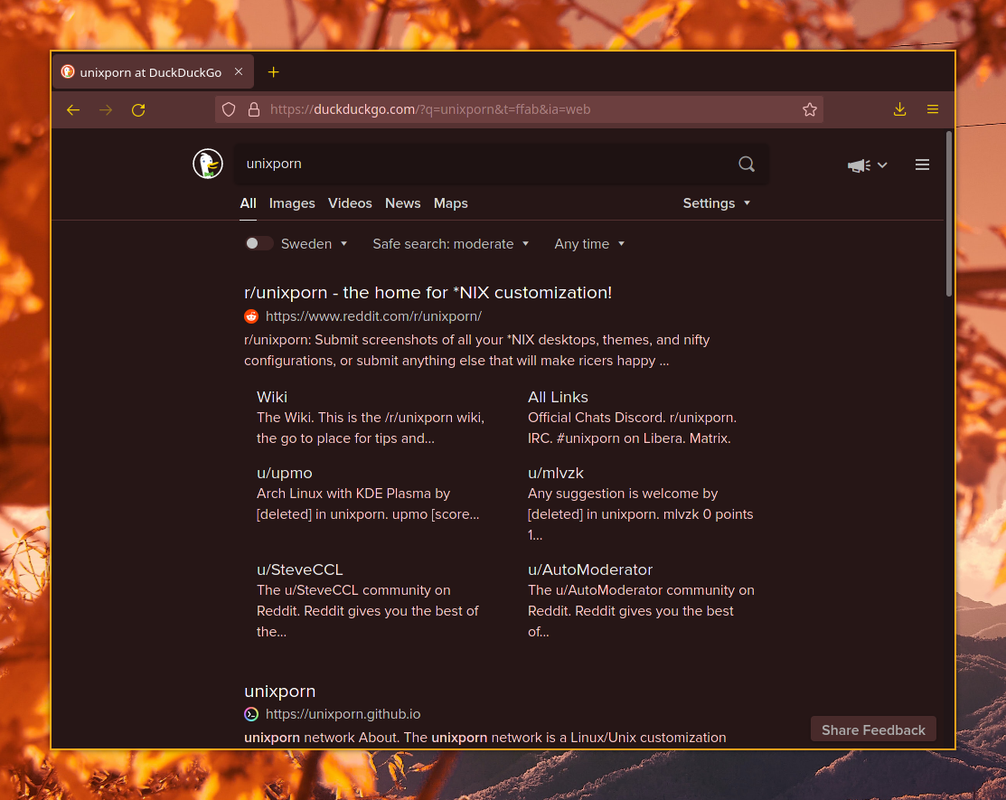
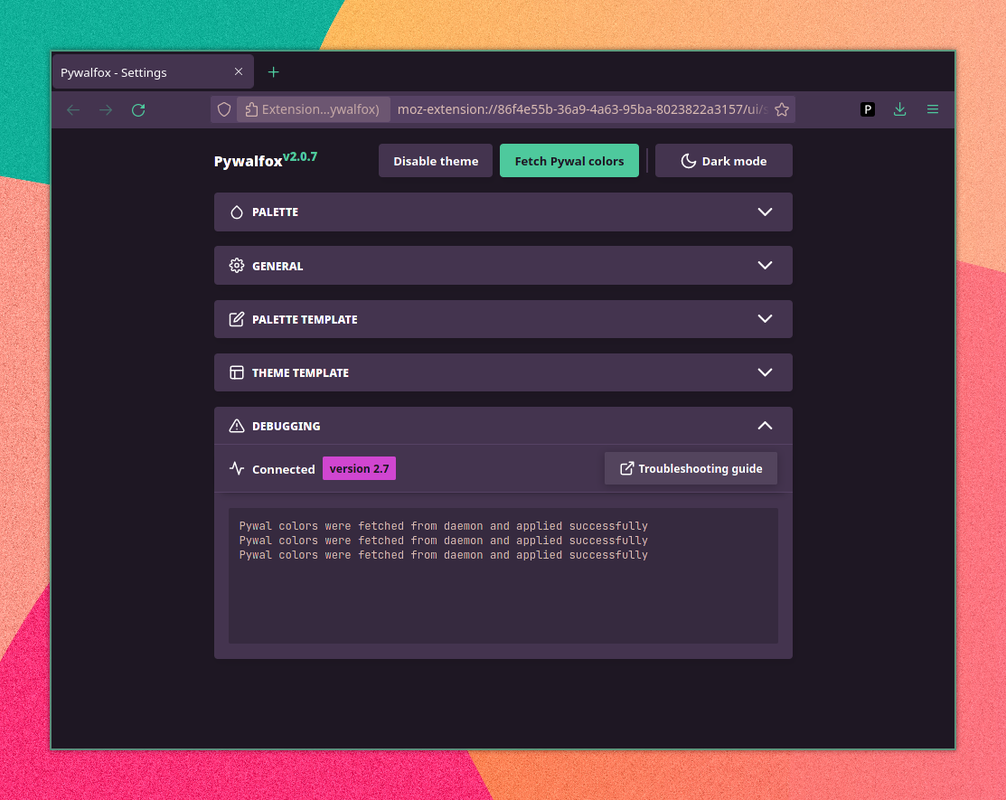
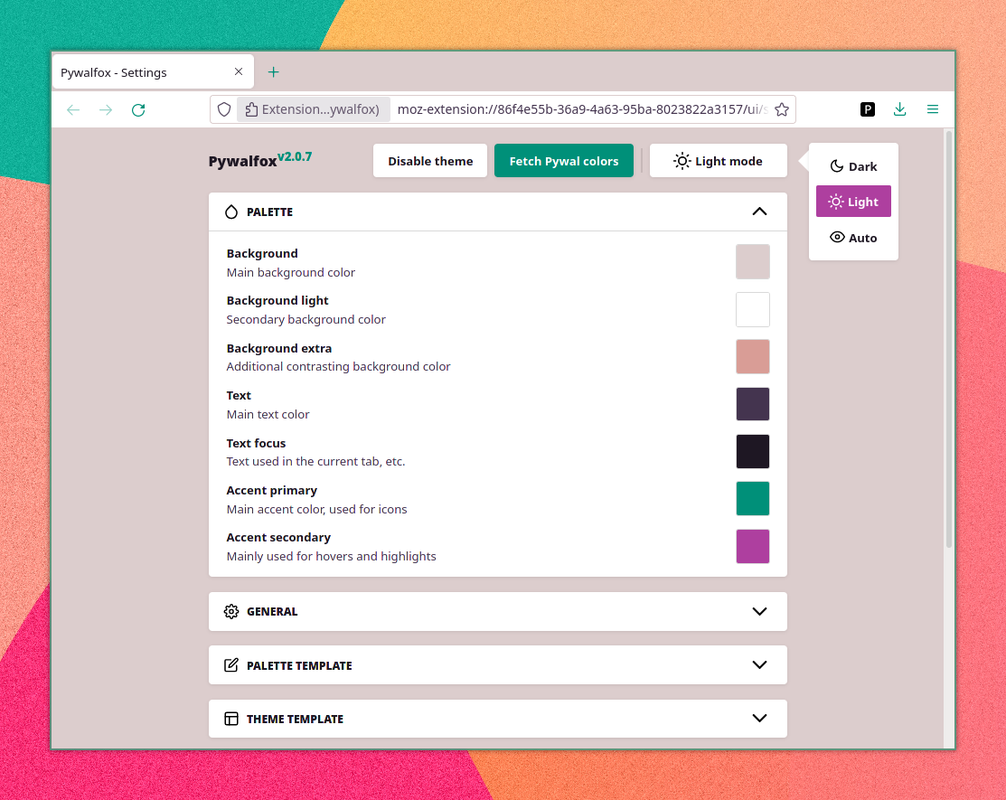
Pywal is a tool for automatically generating colors based on your wallpaper. These colors can then be used to style your terminal, window manager, etc. This add-on will take those same colors and automatically create a Thunderbird theme with them, using the WebExtension Theme API (no CSS). This allows for dynamic theming, without the need of a restart.
The reason that you need to install a script on your computer is because Thunderbird has no way of getting the colors generated by Pywal natively. Generated colors are stored in a file on your computer and the script handles the communication with your browser.
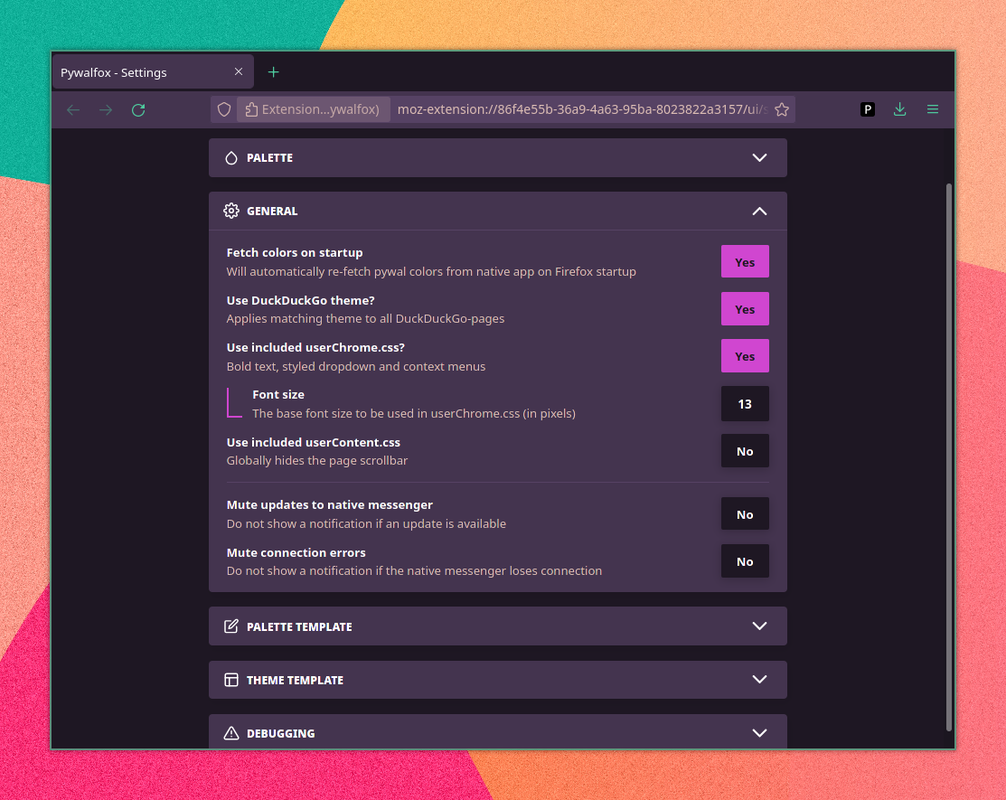
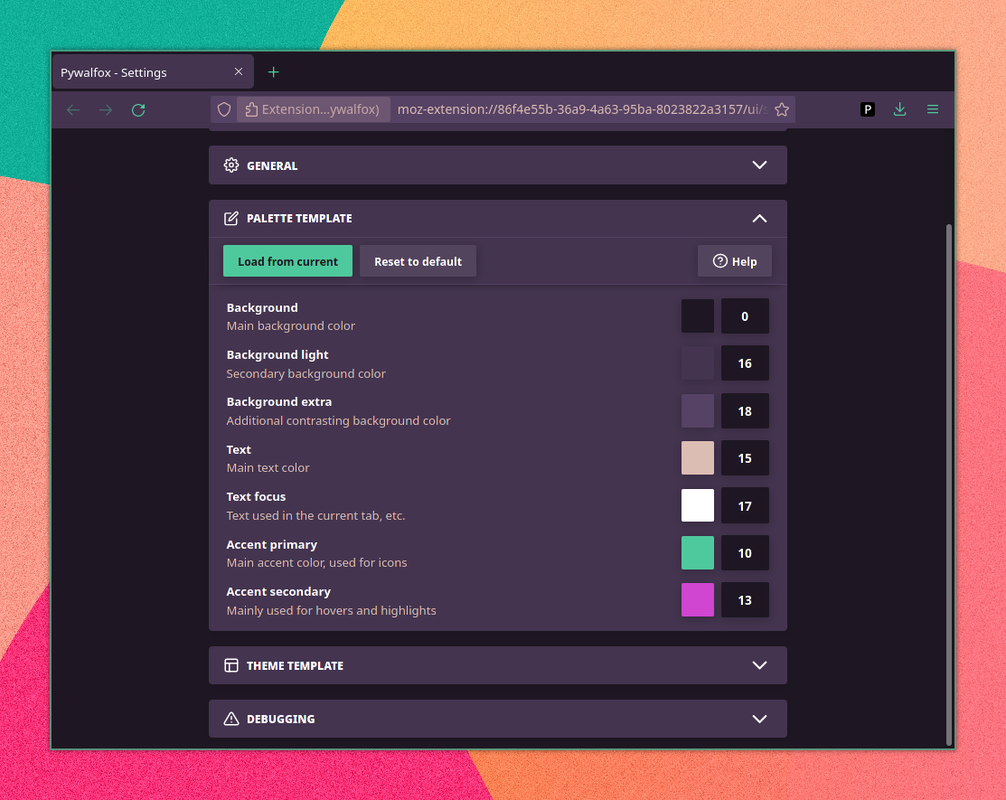
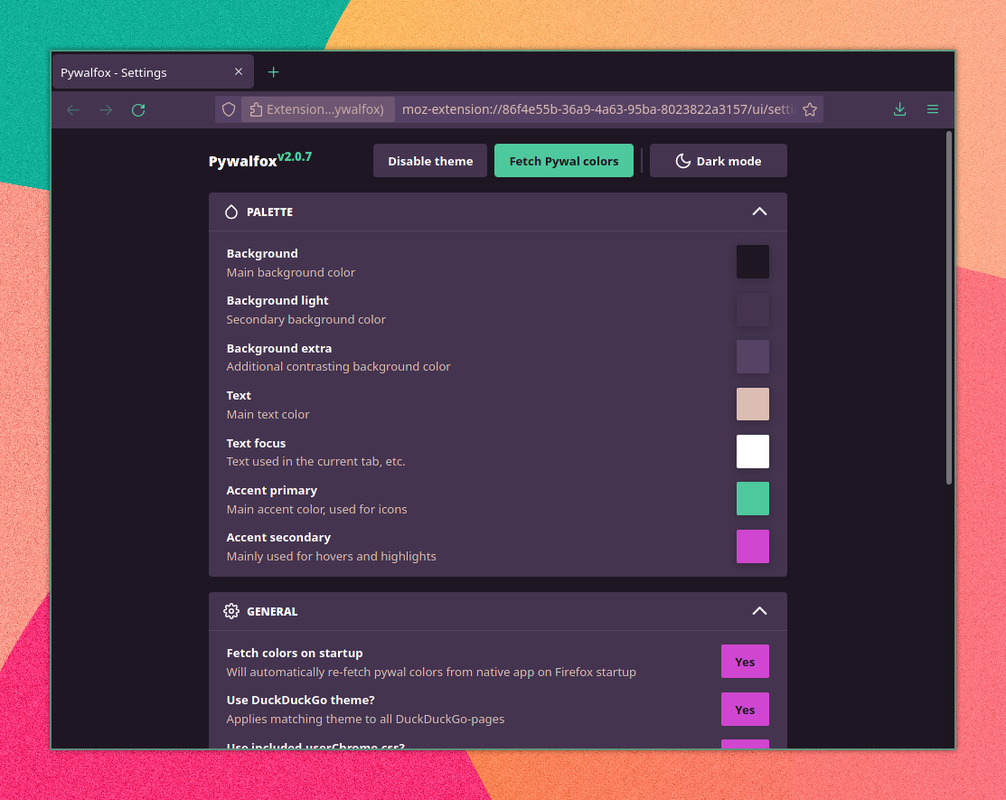
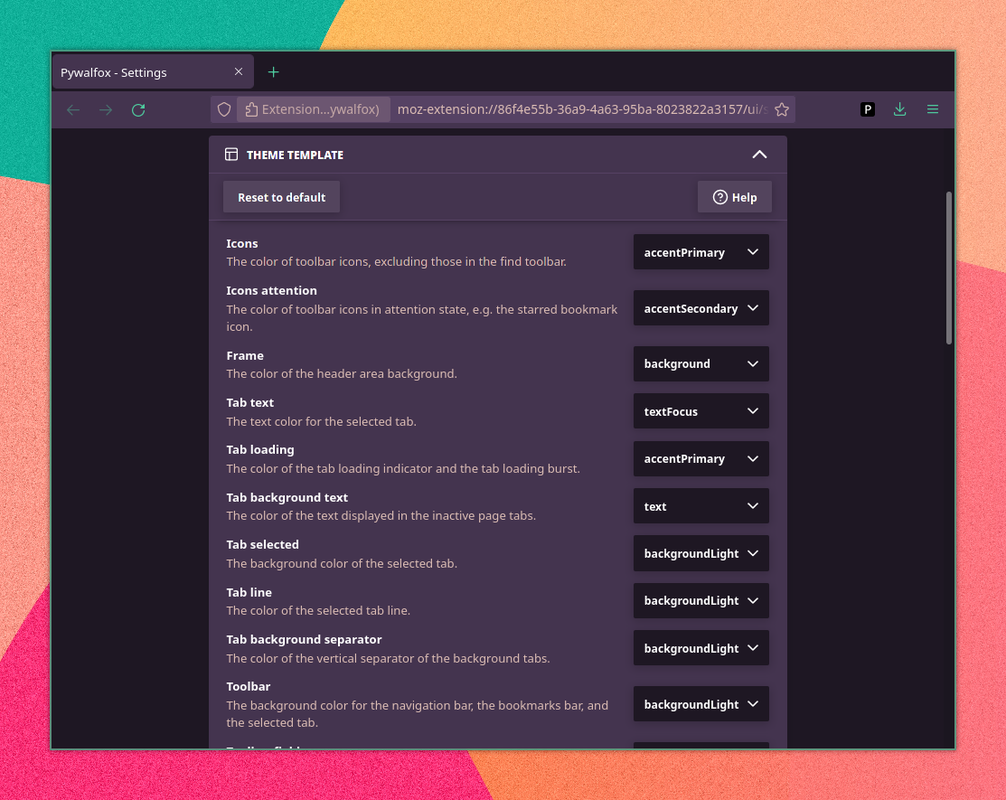
The colors used for the theme can be customized, either by selecting a color from your Pywal colors or by choosing a custom color using the colorpicker.
You can submit issues/bugs here: https://github.com/frewacom/pywalfox/issues
An installation guide is available here: https://github.com/frewacom/pywalfox.
Pywal is a tool for automatically generating colors based on your wallpaper. These colors can then be used to style your terminal, window manager, etc. This add-on will take those same colors and automatically create a Thunderbird theme with them, using the WebExtension Theme API (no CSS). This allows for dynamic theming, without the need of a restart.
The reason that you need to install a script on your computer is because Thunderbird has no way of getting the colors generated by Pywal natively. Generated colors are stored in a file on your computer and the script handles the communication with your browser.
The colors used for the theme can be customized, either by selecting a color from your Pywal colors or by choosing a custom color using the colorpicker.
You can submit issues/bugs here: https://github.com/frewacom/pywalfox/issues
