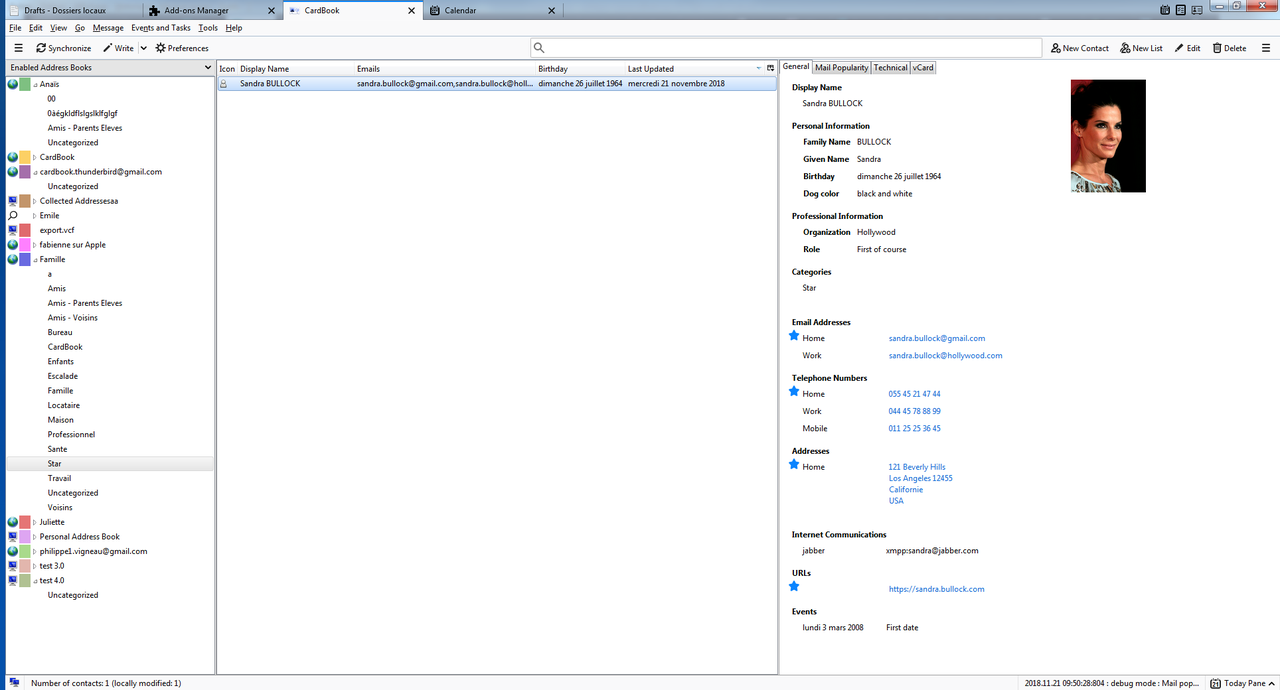
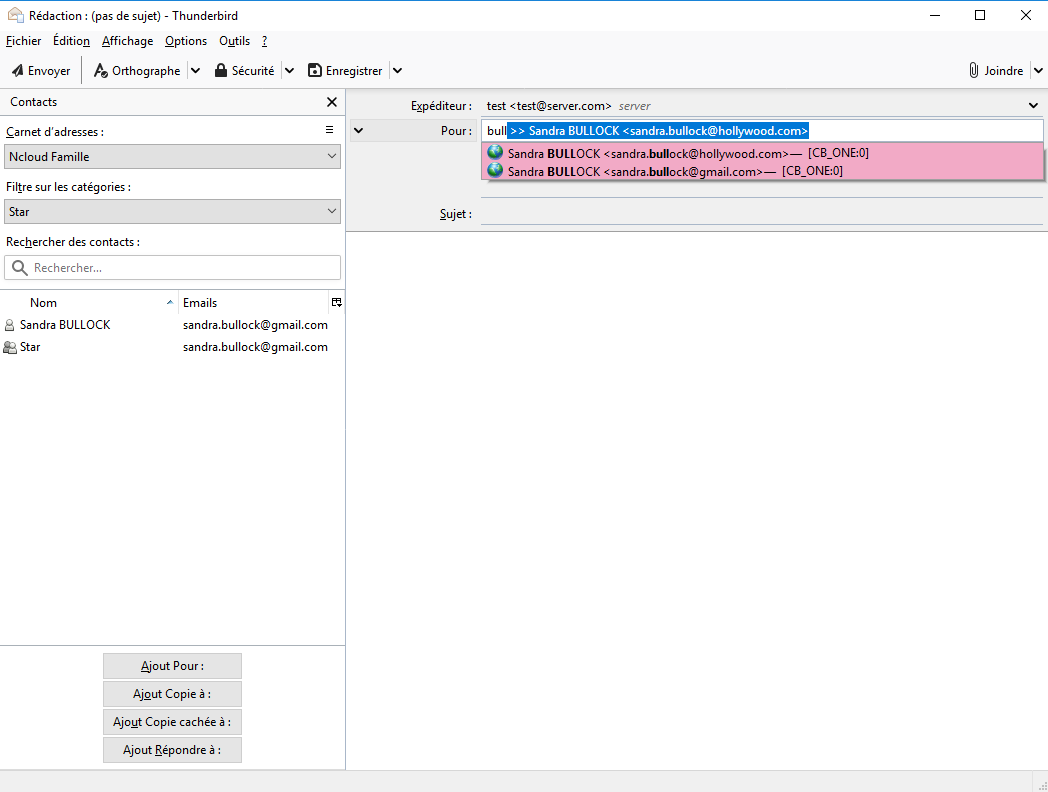
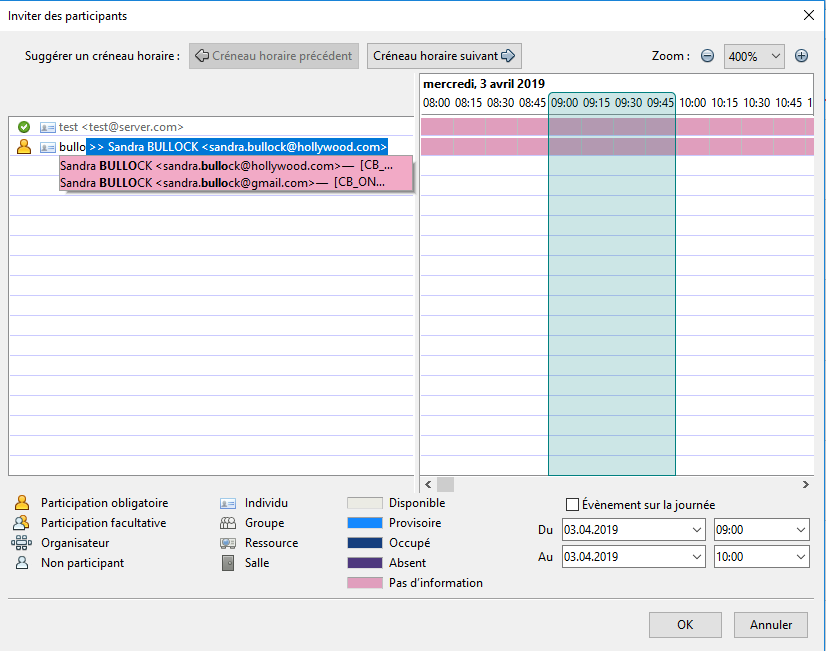
- fix for the CardBook columns and the email autocompletion missing after an update without restarting Thunderbird, or after an error during startup
- fix for the CardBook columns staying empty or not refreshed
- fix for actions done twice when a message window is open (birthdays added twice to the calendar...)
- fix for a synchronization never ending after typing a password
- fix for the backups stopping when a contact has no name
- fix for the email autocompletion after an update without restarting Thunderbird
- fix for the "Add to address book" star in the message header, and for errors after closing a message tab
- fix for security errors in the console when opening the CardBook windows
- fix for the note button window
- fix for renaming the uncategorized category, for Microsoft 365 address books with custom fields, and for dragging an address book
- fix for the send button state with several compose windows open
- fix for deleting or editing a Thunderbird contact or list from the CardBook contacts sidebar
- fix for migrating lists to a vCard 3.0 address book
- fix for the contacts sidebar not refreshed when the identity changes
- fix for the CardBook columns: own identities recognized again, whatever the case
- fix for recursive lists, for the end of encryption not shown, and for validating an address book offline
- renaming a category also renames it in the rules of the SEARCH address books
- fix for renaming a subcategory, which also renamed the subcategories of the same name under other categories
- fix for the "already exists" check when naming a subcategory: only the subcategories of the same parent count
- fix for empty subcategories, or names with quotes, missing from the address books tree
- fix for the colors and popularity of the subcategories lost when renaming a category
- fix for the color of a deleted subcategory given to its parent category
- fix for categories renamed on Google
- contacts dragged from the CardBook tab to a compose window become recipients directly
- fix for the node shown when closing the CardBook tab, not shown again when reopening it
- copied contacts can be pasted several times
- fix for the type of the vCards attached to an email
- fix for the progress of dragged contacts and of pasted fields
- the links to the OpenPGP key manager of Thunderbird work again: search for keys online or in the key manager, import the keys of the contacts
- fix for the local data encryption, which only encrypted the photos and not the logos and sounds
- contact window: the previous and next buttons do not lose an invalid input anymore
- contact window: Enter in a public key adds a new line instead of saving
- contact window: the current input is kept when the preferences change
- fix for memory used by the contact windows and never released
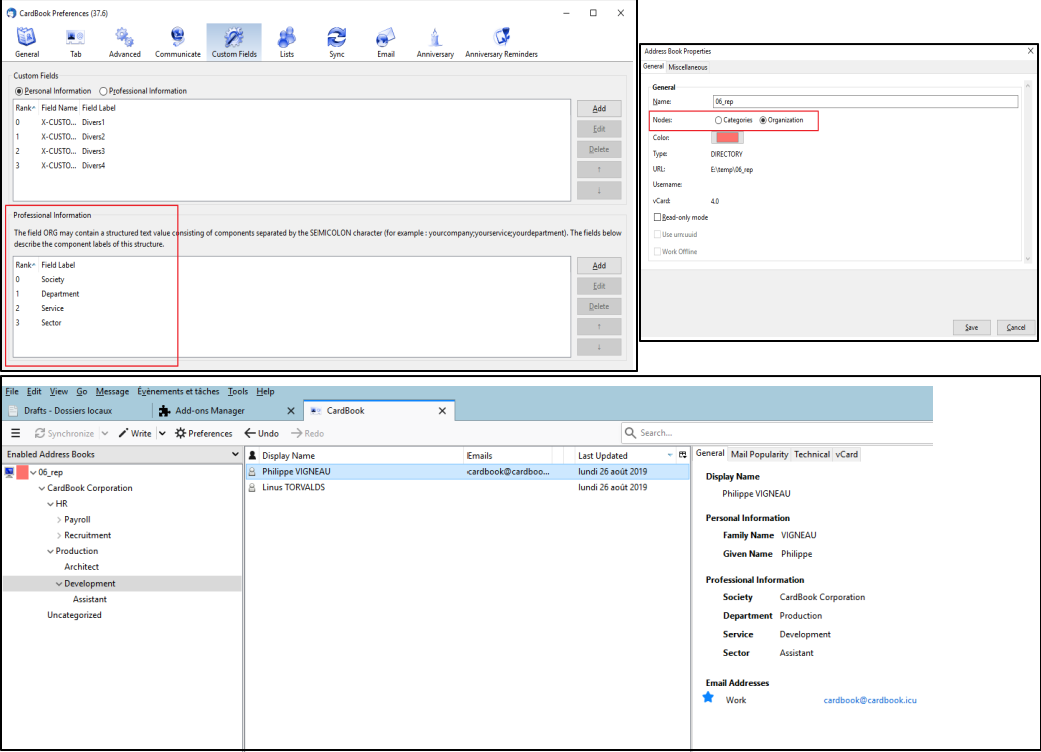
- preferences: moving, editing or deleting an organization level, a note button or a custom field works again when the table is sorted on another column
- preferences: fix for renaming a custom field, the edition fields now follow the new code
- preferences: fix for two rules (attached vCards, restrictions, emails collection, IM) edited together after a deletion
- preferences: an organization level can be renamed with only a change of case
- preferences: X-SOCIALPROFILE refused again as a custom field, and ":" removed from custom field labels
- preferences: fix for the time label of the calendar entries greyed out the wrong way
- preferences: fix for the preferences set to false, 0 or empty, forgotten by the other CardBook windows
- preferences: after importing a configuration, the imported values are shown immediately and changes are no longer saved twice
- fix for the sort arrows of the tables, black in dark mode
- address autocompletion: the suggestions no longer come back after choosing an address or leaving the street field
- business cards: SIRET, VAT and bank numbers are no longer read as phone numbers
- main window: the selected contact is written in white, whatever the color of its address book or category
- main window: the values of the contact pane are aligned, the categories are shown as tags in their color
- main window: a circle with the initials replaces the silhouette of the contacts without photo
- main window: lighter tabs, the Lists and Public keys tabs are hidden when they are empty
- main window: neutral grey for the information boxes, lighter hover in the contacts list, wider name column by default
- contacts list: the preferred value is shown first, followed by "+2" when there are several, all of them in the tooltip
- contacts list: a display name copied from the email is greyed, the bold rows (not yet synchronized) have a tooltip
- contacts list: greyer column headers, the sorted column in bold, and the sort arrows are back
- search bar: a button shows and switches where the search looks (this address book or all of them), a filter button opens the advanced search
- main window: the name of the contact as a title, with its job title and company under it
- toolbar: the Layout button is no longer shown by default
- contacts list: shorter context menu, the frequent actions first, the others in submenus, cut, copy and paste with their shortcut
- address books: shorter context menu, the address book first, then its contacts, its categories, the files and the tools
- business cards: they can be read offline on the computer, only ChatGPT and Claude need a connection
- contact window: the buttons at the bottom always stay visible, only the fields scroll
- contact window: the rows of the emails, phones, addresses... line up, the categories are tags in their color
- contact window: the public keys tab has labelled buttons, a help text when there is no key, and the key takes the width
- the tabs only show a frame when they are reached with the keyboard
- contact window: the Save button in the accent color, the template actions in one Template button, lighter labels
- contact window: the sections and the notes, lists and keys tabs are cards, the picture is on the left of the name, one icon swaps the last name and the first name
- contact window: the address is edited in place, each change is kept, a Close button closes it
- main window: the time zone is aligned with the other values of the contact
- contact window: the usual fields are shown by default, the others when they have a value or chosen in the field selector
- contact window: the fields of the address on the left under their line, the values of the lists tab after their labels
- preferences: each option has a short description, on its right or under it, and a button shows or hides all of them
- preferences: the option to decode the REPORT answers is removed, as well as the tooltips repeating the labels
- the empty tables show a short message instead of staying blank
- preferences: the custom fields, types, organization levels, IM, note buttons, fields conversions, restrictions, emails collections and attached vCards are edited in a dialog inside the page instead of a new window
- main window: creating or editing a category or an organization node, applying the columns to other address books and asking for the ChatGPT or Claude key are done in a dialog inside the window
- fix for the empty "Write a New Message (bcc)" entry of the emails context menus
- address book window: the address book as a title with its color and type, the settings in cards, empty lines hidden, the urn:uuid option removed, "Synchronize every ... minutes" on one line, the display name tab with its help in a bubble and a dialog to apply the formula to other address books
- the Escape key closes an open dialog without closing its window
- address book wizard: the steps shown at the top, the first choice as cards with a description, the local and remote pages in cards with only the useful fields shown, the address books found as cards with their advanced options folded, a summary before creating
- print window: the settings in cards with the personal and professional fields on two columns, the preview as a white sheet with lighter contact cards, the settings never printed
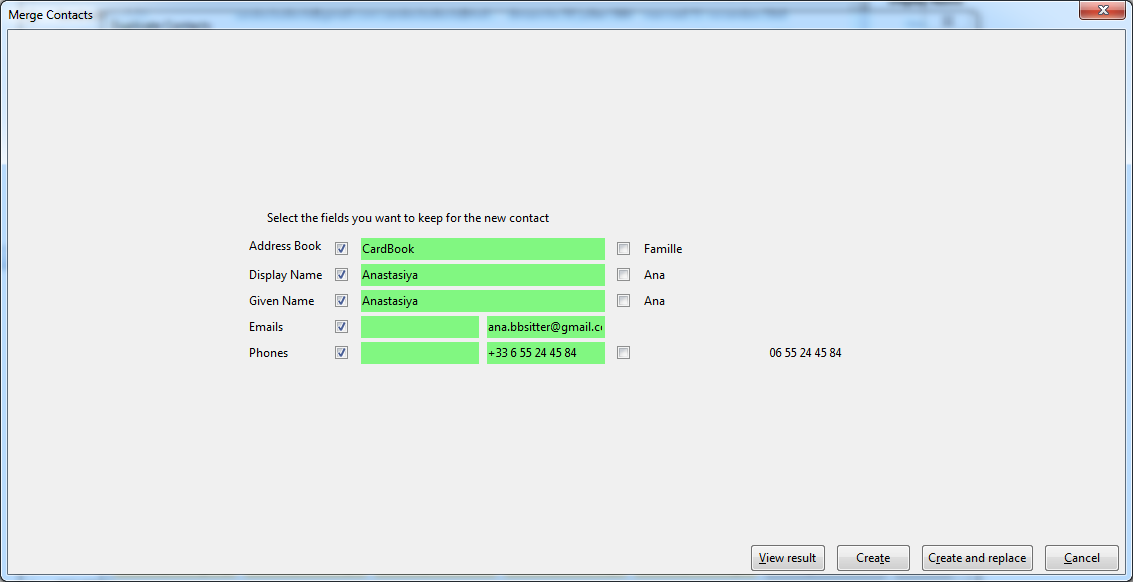
- merge window: one block per contact with its name and address book at the top, the personal and professional fields in sections, the label of a field written once, the identical values greyed, the value kept in a light accent color instead of bright green, Cancel on the left
- merge window: fix for the window stopping after the addresses when a contact has events in its note
- merge window: Escape in the result window only closes the result, the merge window stays open
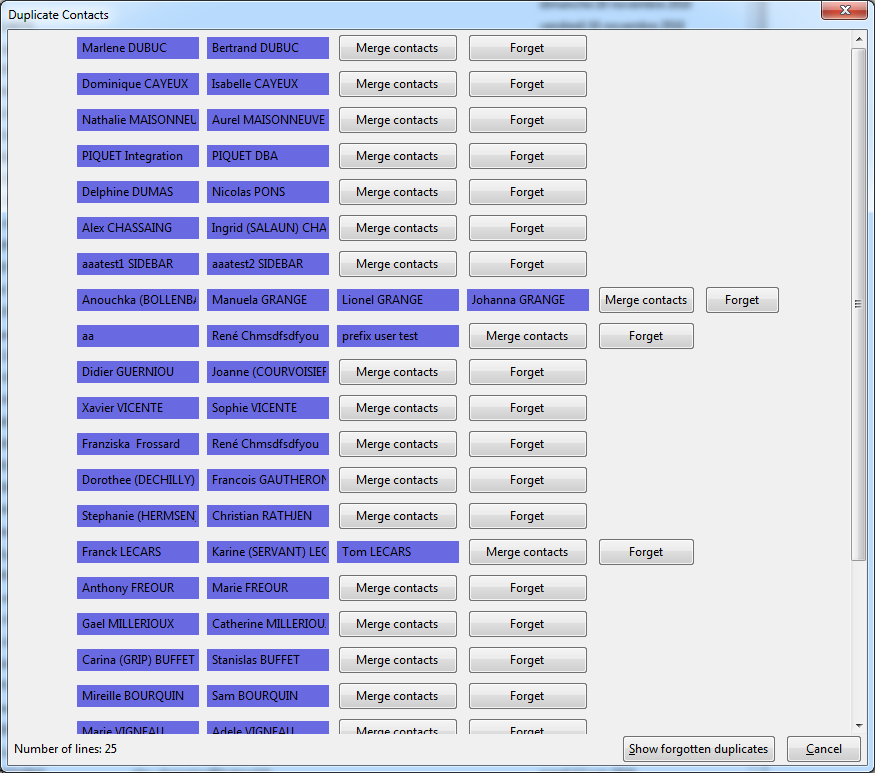
- duplicates window: one card per group of duplicates with the address book and the first email or phone of each contact, the actions on the right of the card, the count and the progress at the top
- duplicates window: a checkbox for each contact in every group, so one contact of a pair can be deleted alone
- CSV window (import, export and field choice): the options and the lists in cards, the columns of the file in front of the fields chosen, the buttons centered between the lists
- birthdays windows: the table fills the window, today in the accent color, the past birthdays greyed, the message centered when there is nothing, the failures of the synchronization in red
- birthdays list: a contact present in several address books is shown once
- formatting window: the tabs and the count at the top, the field and the conversion in a card, the values already formatted with a green mark instead of a green background, the main action in the accent color
- formatting window: Undo checks the format again, a Delete button removes a value from the contact
- capitalization: a capital letter at the start of each part of a name (Simon-Paul, Jean Pierre, O'Neil)
- small windows (log, contact events, messages, password, progress, checks at startup, search help): the whole window, tables in a field without fixed size, the main button in the accent color, the warnings and errors of the log readable in dark mode
- search: clearing a search in the address book shown at the first opening no longer removes the contacts
- contact panel: the fields are no longer shown twice after saving a contact
- dates: an impossible date (month 13, 30 February) is refused instead of moving to another date
- formulas: a block (value|test|result) disappears when the value is different
- main window: the list follows the address book selected at the first opening (new contacts shown at once)
- contacts sidebar: editing a category opens the dialog of the main window (the startup of CardBook stopped there since the dialogs moved into the main window, so the import of the Thunderbird address books, the menus of the message headers and the quick filter bar no longer worked)
- quick filter bar: fix when the first tab is not a mail tab
- first installation: fix for the startup stopping on the quick filter bar delay
- emails headers: the CardBook entries of the menu of an address (add, or edit and delete) also follow the address when the menu is opened by a right-click or the keyboard
- contact panel: a long note wraps its lines and URLs instead of adding a horizontal scrollbar (#1961)
- synchronization: a new choice when a contact was changed both on the server and locally, prefer the most recent modification (CardDAV, Google, Microsoft); the user is asked when a date is missing or for a deletion (#2023)
- contacts sidebar: the search follows the last typed letters when a search is still running, and no more errors while the results are refreshed or when typing before the address books are listed
- CardDAV: the changes and the new contacts are sent with If-Match / If-None-Match, so the server refuses to overwrite a contact changed meanwhile by another device instead of losing that change
- new address book wizard: a Google Workspace mail account (on the Google servers, with another domain than
gmail.com) is offered its Google contacts and the directory of its company
- contact edition: the address line opens its panel and cannot be typed in (a pasted address was lost), an empty address no longer gets the country set by default
- contact: the context menu of an address only offers to copy its filled parts
- Chrome, Edge, Firefox: synchronizing an address book no longer synchronizes all of them and shows the birthdays (CardBook was started again at each wake-up of its background)
- Apple (iCloud) address books: the photos of the contacts are shown (asked with the password of the address book, as CardBook), and the password is never sent to another site for a photo
- main window: the selected contacts stay selected after a synchronization
- font size and density: the size of the system (mail.uifontsize = 0) and the compact mode (mail.uidensity = 0) are respected when a window opens
- preferences: editing a field without conversion no longer proposes the capitalization
- address book properties: the fields are aligned between the blocks, a colon after URL
- main window: the list of contacts keeps a minimum size when the window gets smaller (a screen with a higher scaling)
- vCard or zip export, sharing by email: the fields to include are asked first (the same as the print window), with an option to no longer ask and use the whole vCard (#1996)
- print window: the photo can be printed, the box of the personal or professional information checks or unchecks all its fields
- configuration: shorter labels so the vCard export and double-click options fit on one line
- contacts deletion: the confirmation closes at once and the progress window shows the deletion of many contacts; the display name generation shows its progress
- undo and redo: disabled while an operation is running, so that they do not cancel the previous action
- undo and redo: a progress window for many contacts
- categories: the confirmation of a deletion closes at once, renaming or deleting a category of many contacts shows a progress window
- import and exports: a progress window when a file is dropped on an address book, and from the start of the vCard, zip, photos and CSV exports
- progress window: right percentage when moving contacts, not opened for a few contacts by the conversions; merge window: its buttons wait for the end of the loading; contact counts refreshed once per address book
- categories and organizations: the contact count of the address book is updated after a conversion to a list
- compatibility: Thunderbird up to 162
- progress window: a Stop button ends the operation at its next contact, what is done is kept and can be undone
- contacts: the QR code of a contact, read by the camera of a phone to add the contact (its vCard without the photo)
- messages: a contact created from the signature of a message, or from the text selected in it, checked in the edition window before saving
- address books: a check of the address book, first entry of the Tools menu, lists the contacts to look at (no display name, a name like an email or not following the formula of the address book, no email or phone, invalid emails and phones, fields to format with the rules of the fields preferences, probable duplicates), refreshed after each change and with a progress for large address books
- duplicates: the contacts said not to be duplicates are no longer proposed again
- QR code window: its size is kept and its content scrolls
- format data window: a button shows only the lines to correct, or all the lines
 Extensões