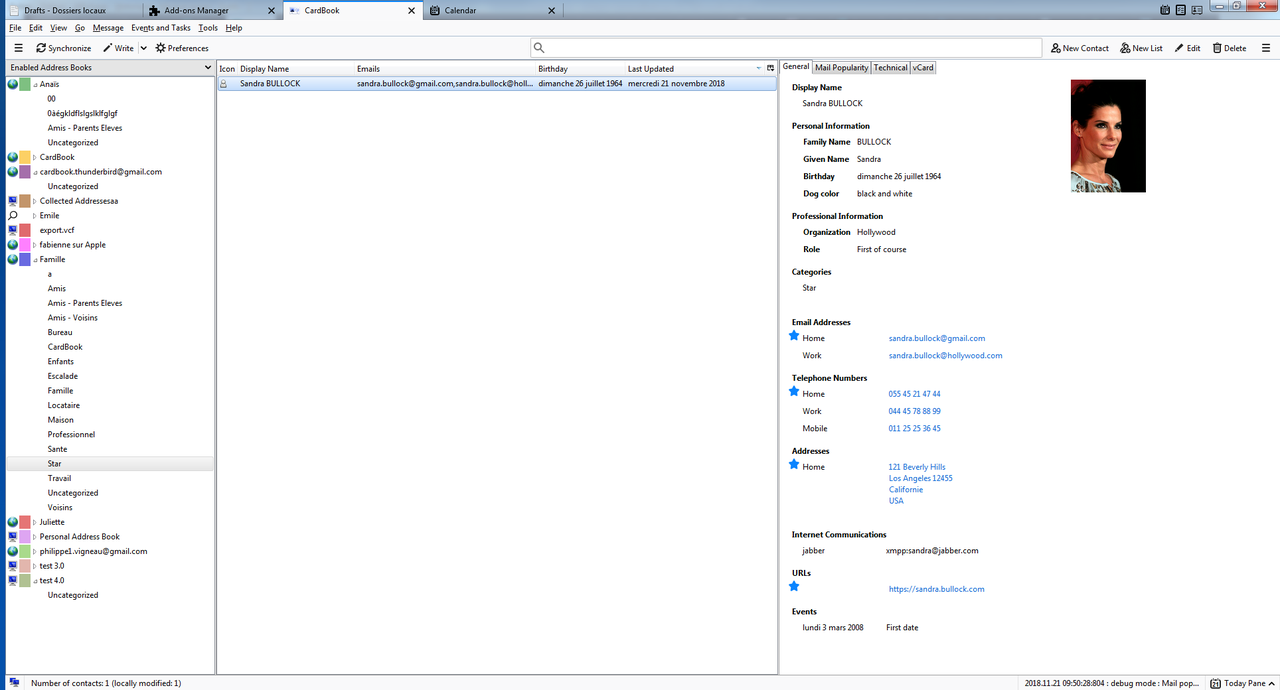
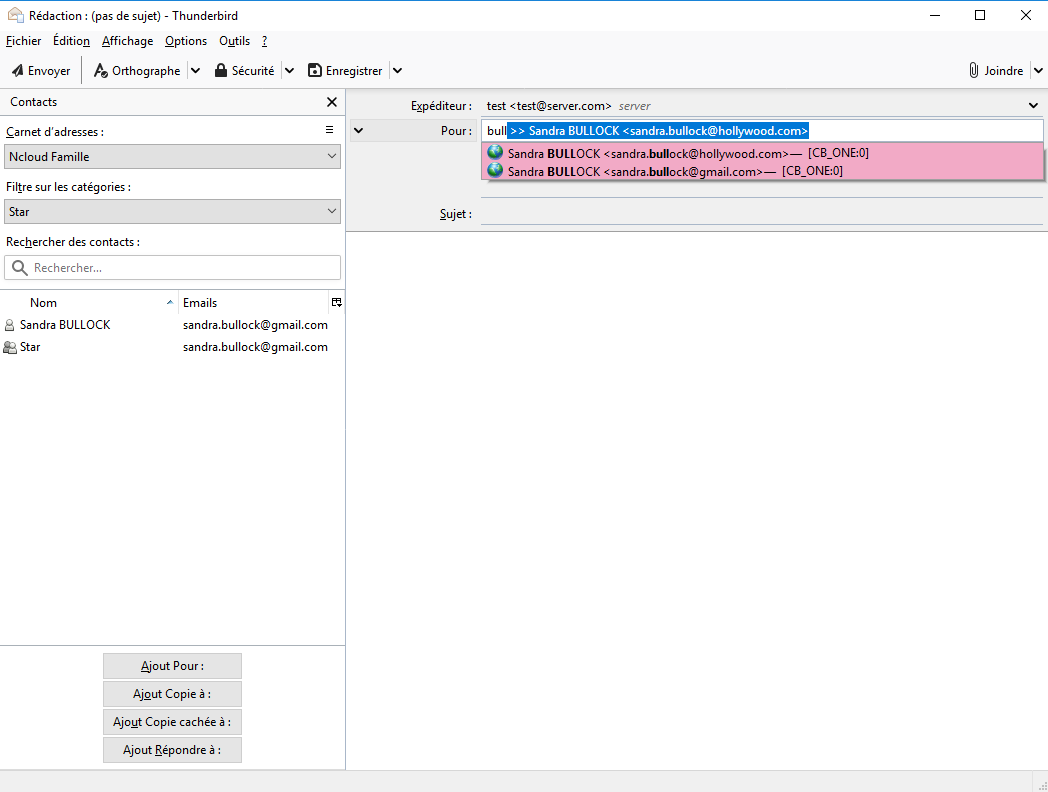
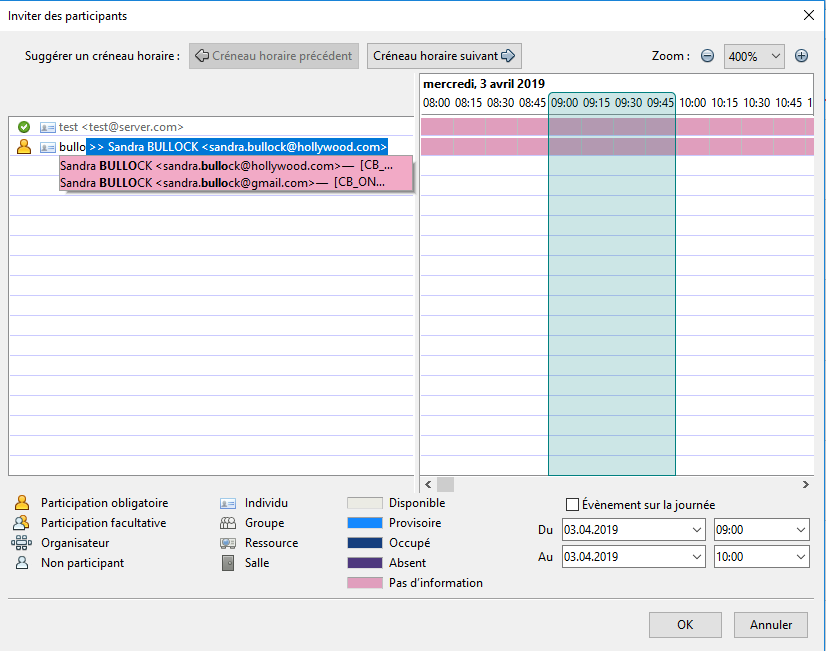
- address autocompletion while typing the street (paid licence) - business cards: the contact is opened for checking before saving - business cards: several cards at once, from files, the clipboard or drag and drop - business cards: free reading on the computer (Tesseract), or with ChatGPT or Claude - fix for the calendar and tasks tabs left empty with Thunderbird 159 - fix for the CardBook button missing from the spaces toolbar with Thunderbird 159 - email autocompletion: faster, and the results are sorted again - email autocompletion: the address book, email type and popularity are shown again with Thunderbird 140 and later - fix for security errors in the console when opening the main window - fix for the missing search icon in the contacts list
Some add-ons ask for permission to perform certain functions (example: a tab management add-on will ask permission to access your browser’s tab system).
Since you’re in control of your Thunderbird, the choice to grant or deny these requests is yours. Accepting permissions does not inherently compromise your browser’s performance or security, but in some rare cases risk may be involved.
This add-on can:
Have full, unrestricted access to Thunderbird, and your computer