Versjon 107.7
3.4 MiB
Virker med
Thunderbird 128.0 - 160.*
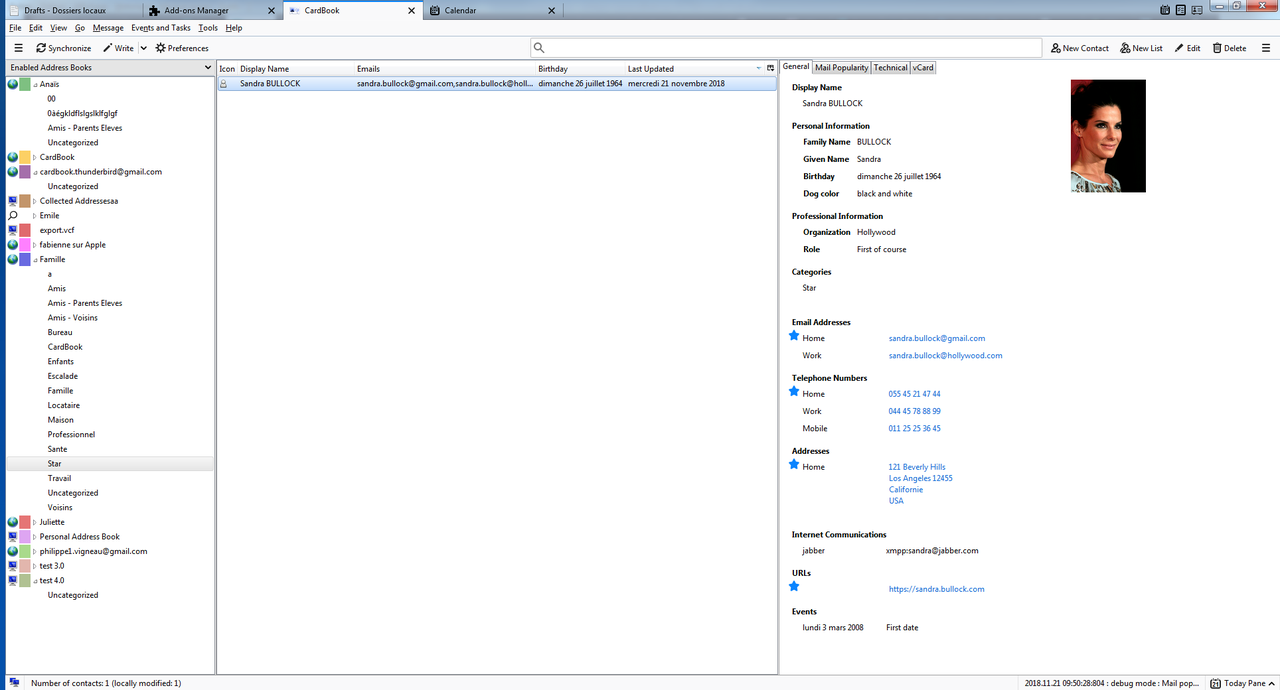
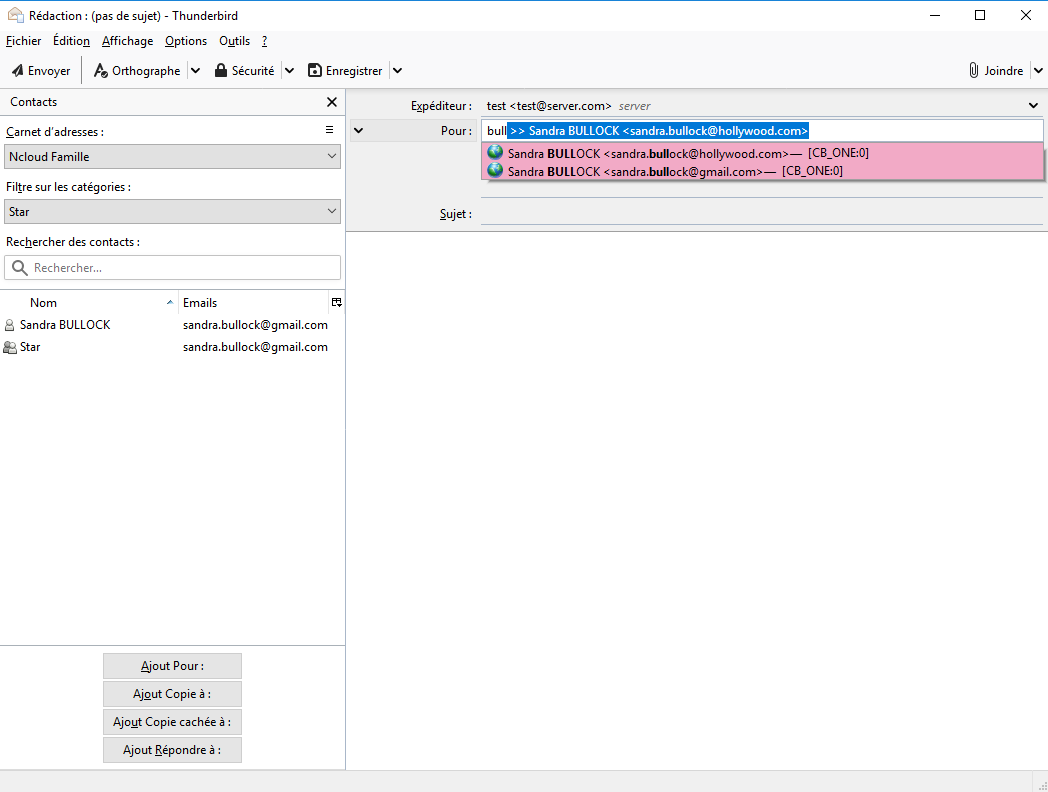
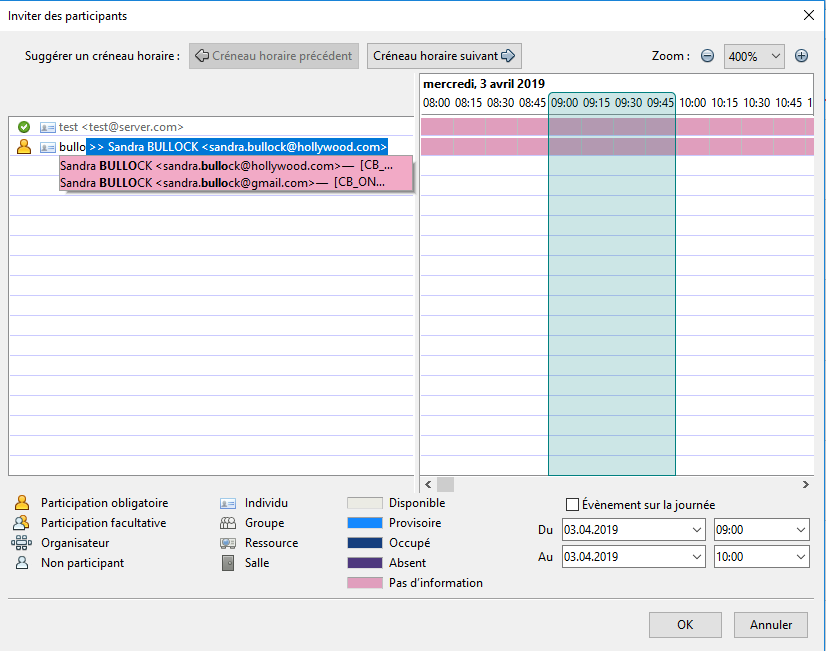
- address autocompletion while typing the street (paid licence) - business cards: the contact is opened for checking before saving - business cards: several cards at once, from files, the clipboard or drag and drop - business cards: free reading on the computer (Tesseract), or with ChatGPT or Claude - fix for the calendar and tasks tabs left empty with Thunderbird 159 - fix for the CardBook button missing from the spaces toolbar with Thunderbird 159 - email autocompletion: faster, and the results are sorted again - email autocompletion: the address book, email type and popularity are shown again with Thunderbird 140 and later - fix for security errors in the console when opening the main window - fix for the missing search icon in the contacts list
CardBook (“the Add-on”) is developed and maintained by Anaïs Vigneau (“we”, “us”, or “our”). This Policy describes what information is collected when you use the Add-on, how it is used, and your rights regarding that information.
CardBook is designed to manage your address books locally in Thunderbird. Your address books are kept on your computer or on the servers you choose to connect to. They are never sent to us. Some optional features send data to servers that are not under your control: they are listed in section 4, with the data they receive.
### We may collect or process the following data:
* **Locally stored address book data**: Stored entirely on your device or in the remote service you connect to (e.g., CardDAV server, Nextcloud, Google, Apple, Microsoft 365). We do not have access to this data. * **Configuration and settings**: Stored locally in your Thunderbird profile. * **Connection details for external address book services**: These may include server URLs, usernames, and authentication tokens — stored locally and, if necessary, sent only to the configured server to provide the requested functionality. * **Address autocompletion (optional, paid)**: the street text you type, the country and the language of Thunderbird, sent with your licence key to our licence server (see section 4). * **Optional diagnostic data**: If you enable debug logging and send us a log file, it may contain technical information such as server responses, Thunderbird version, and error messages.
We **do not** collect:
* Browsing history * Personal email content * Your address book data, unless you explicitly send us diagnostic logs for troubleshooting
---
## 3. Why we collect data
* To provide address book management features and synchronize with your chosen CardDAV or local data sources. * To suggest addresses while you type them, and to check your licence, when you use the address autocompletion. * To troubleshoot technical issues (only when you provide logs). * To improve the Add-on (based on anonymized feedback or support requests).
---
## 4. Servers that are not under your control
The following features send data to third-party servers: sensitive data is then made available to these third parties. Each feature is only used when you choose it.
### Address autocompletion (optional, paid)
* **Server**: `https://licences.twotowork.com`, the licence server of the developer of CardBook. * **When**: while you type an address in the edition window of a contact, once a licence key is entered, and when the licence is checked. * **Data sent**: the street text being typed, the country of the address, the language of the Thunderbird interface and your licence key. * **Forwarded to**: to find the suggestions, the licence server forwards the street text, the country and the language (not your licence key) to the Géoplateforme of the French Institut national de l'information géographique et forestière (`https://data.geopf.fr`) for the addresses in France, and to Photon by Komoot (`https://photon.komoot.io`) for the other countries. * **Licence purchase**: the payment is made on Stripe (`https://buy.stripe.com`), where you give your email address and your payment details to Stripe. The licence is then sent to your email address through Brevo (`https://www.brevo.com`).
### Reading business cards with an artificial intelligence (optional)
* **Servers**: `https://api.openai.com/v1/chat/completions` (OpenAI) or `https://api.anthropic.com/v1/messages` (Anthropic), the provider you choose in the preferences. * **When**: only when you import a business card with one of these providers chosen. * **Data sent**: the image of the business card (with the contact details printed on it) and the API key you entered for this provider. * These providers process the data according to their own privacy policies. Choose the reading on this computer to keep the images on your computer.
### Reading business cards on this computer (optional)
* **Server**: `https://cdn.jsdelivr.net`. * **Data sent**: none of your data. The language models of the text recognition are downloaded from this server the first time they are needed; the images are read on your computer.
### Links you open
* Opening an address on a map sends this address to the map service you chose (Google Maps, OpenStreetMap or Bing Maps). Opening a social network profile or the purchase page opens the corresponding website in your browser.
---
## 5. How we share data
We do **not** sell your personal data. Data may only be shared:
* With the third-party servers of section 4, when you use the corresponding features. * If you explicitly send us diagnostic logs containing relevant details for support. * When required by law (e.g., to comply with a valid legal process).
---
## 6. Data storage and retention
* All operational data (contacts, configuration, authentication) is stored locally on your computer or on the remote server you configure. * We do not store your address books on our servers. * The licence server keeps, for each licence: the email address of the buyer, the licence and its sale, the number of address searches per day, and a hash of the IP addresses that used it, to check the licences and detect their abuse. The searched texts are not kept. * Any diagnostic logs you send for support are retained only for the time needed to resolve the issue, then permanently deleted.
---
## 7. Security
* Communication with remote servers uses HTTPS/TLS encryption. * Passwords and authentication tokens are stored in the Thunderbird password manager, protected by its primary password when you set one. * We encourage you to connect only to trusted servers.
---
## 8. Your choices and controls
* You can remove the add-on at any time via the Thunderbird Add-ons Manager. * The address autocompletion and the reading of business cards are optional: without a licence key no address is sent, and without a chosen provider no image is sent. * You are in full control of your address book storage and remote connections.
---
## 9. Children
The Add-on is not intended for use by children under 13 years old, and we do not knowingly collect personal information from children.
---
## 10. Changes to this Policy
We may update this Policy to reflect changes in features, security practices, or legal requirements. We will update the “Last updated” date above when changes are made.
---
## 11. Contact
If you have questions, concerns, or requests regarding this Policy, contact: cardbook.thunderbird@gmail.com
Some add-ons ask for permission to perform certain functions (example: a tab management add-on will ask permission to access your browser’s tab system).
Since you’re in control of your Thunderbird, the choice to grant or deny these requests is yours. Accepting permissions does not inherently compromise your browser’s performance or security, but in some rare cases risk may be involved.
This add-on can:
Have full, unrestricted access to Thunderbird, and your computer